

POBOVi Größenset

Don't worry — we've got you covered.
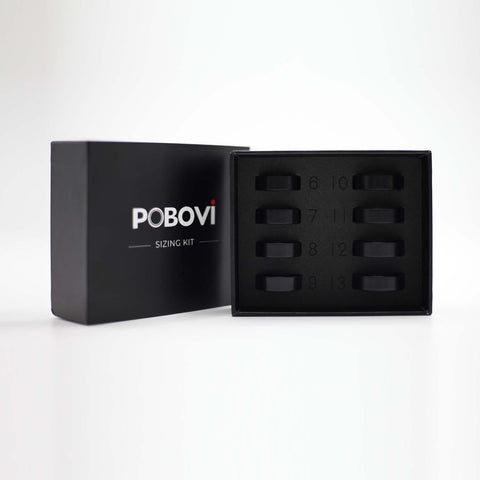
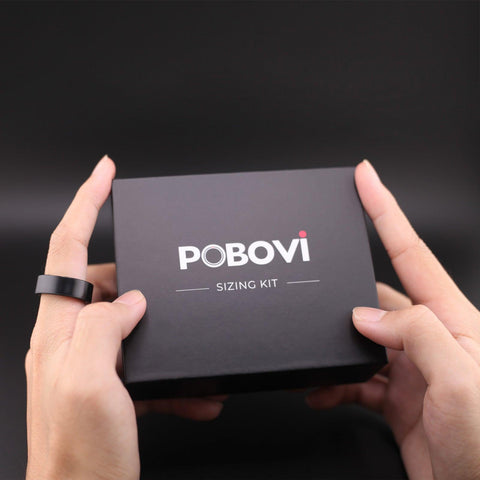
If you're unsure about your ring size, simply order our Free Sizing Kit first. The sizing kit includes a complete set of sample ring sizes, allowing you to find the most comfortable and accurate fit before we ship your POBOVi Gen 2 Smart Ring.
How It Works
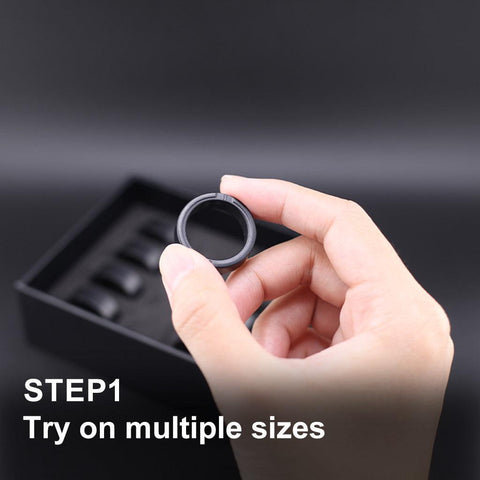
Step 1: Order the Free Sizing Kit
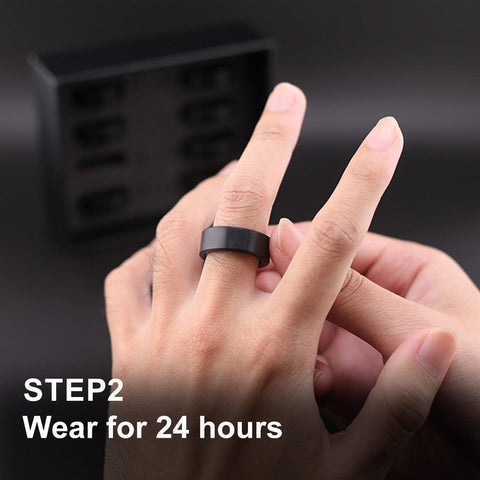
Step 2: Try different sizes and wear your preferred size for at least 24 hours, including during sleep and daily activities.
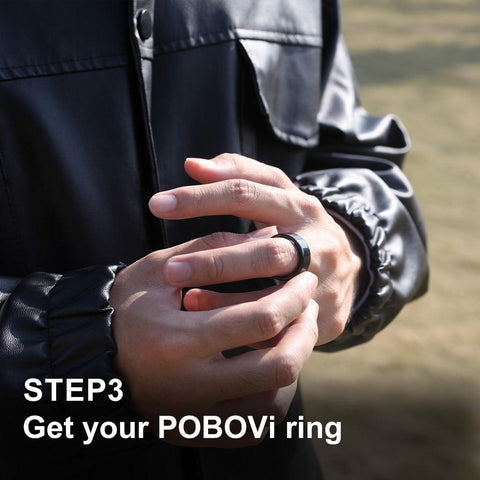
Step 3: Once you've confirmed your size, reply to our order confirmation email with:
- Your Ring Size
- Your Preferred Ring Color
Available Colors:
- Future Silver
- Matte Black
- Solar Gold
- Rose Gold
Step 4: As soon as we receive your size and color confirmation, we'll immediately prepare and ship your POBOVi Gen 2 Smart Ring.
Why Use the Sizing Kit?
✓ Ensures the perfect fit before shipment
✓ Helps avoid exchanges due to sizing issues
✓ Provides a more comfortable and accurate wearing experience
✓ Completely free and easy to use
If you have any questions during the sizing process, simply contact our support team and we'll be happy to help.


-
 Activity Tracking
-
 Workout Tracking
-
 Sleep Monitoring
-
 Heart Rate Monitoring
-
 SpO2 Monitoring
-
 Stress Monitoring
Größenset – Größe zuerst vor dem Kauf – Wählen Sie aus 8 Größen – Größen 6 bis 13 – Finden Sie die perfekte Ringgröße mit dem intelligenten Ringgrößenmesser

| Betriebssystem | iOS und Android |
| Besonderheit | Keine Buckel |
| Konnektivitätstechnologie | Bluetooth |
| Drahtloser Kommunikationsstandard | Bluetooth |
| Zusammensetzung der Batteriezellen | Alkalisch |
| GPS | Kein GPS |
| Form | Runden |
| Bildschirmgröße | 75 Zentimeter |
| Marke | POBOVi |
| Modellname | 7-12 Stück |
Über diesen Artikel
- [Erhalten Sie die perfekte Passform] Wir empfehlen dringend, zuerst das POBOVi-Größenset zu kaufen, um sicherzustellen, dass Ihr Smartring bequem sitzt.
- [Komfort und Präzision] Tragen Sie das Größenset einfach 24 Stunden lang, um Ihre tatsächlichen Fingermaße zu erfassen und sicherzustellen, dass Ihr Ring sicher sitzt, ohne sich zu verdrehen.
- [Rücksendungen und Umtausch vermeiden] Mit dem Größenset erhalten Sie die genaueste Größe und vermeiden, die falsche Passform zu bestellen.
- [Wählen Sie Ihren Finger] Messen Sie zur Genauigkeit den Finger, an dem Sie Ihren Ring tragen werden.
- [Achtung!] Das POBOVi Ringgrößen-Set enthält die Größen 6–13, um die optimale Passform zu gewährleisten. Unsere Smart-Ringe sind jedoch in den Größen 7–11 erhältlich. Sollte Ihre gemessene Größe außerhalb dieses Bereichs liegen, empfehlen wir Ihnen, einen anderen Finger zu testen, um die optimale Passform zu erzielen.


smarter .

